
The card machine app
A card machine app your whole team can use
Key in the amount, the customer pays, done. Tips, receipts, refunds and end-of-day reports are all on the card machine, with PaymentFlow on screen.
 Corner Café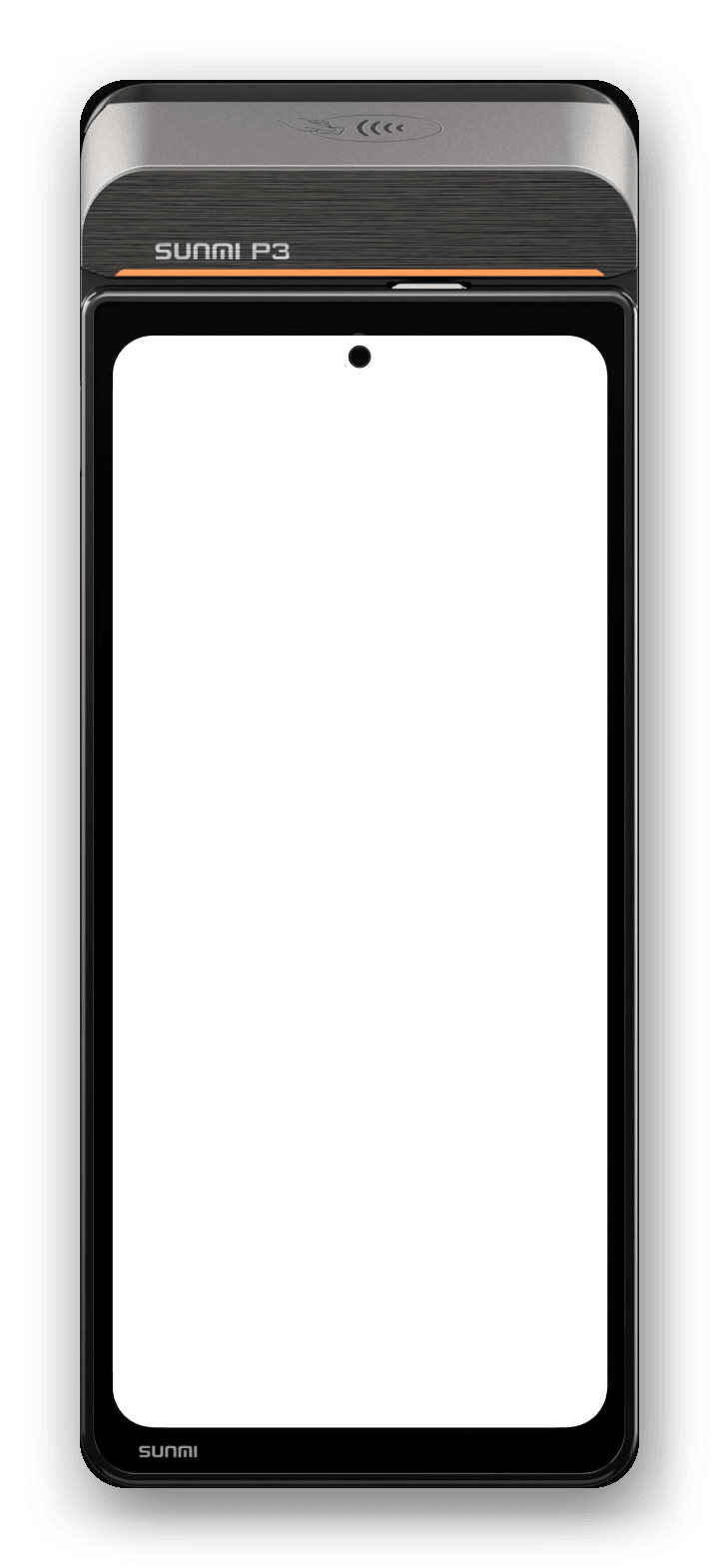
Taking a payment
Amount in, card tapped, payment approved
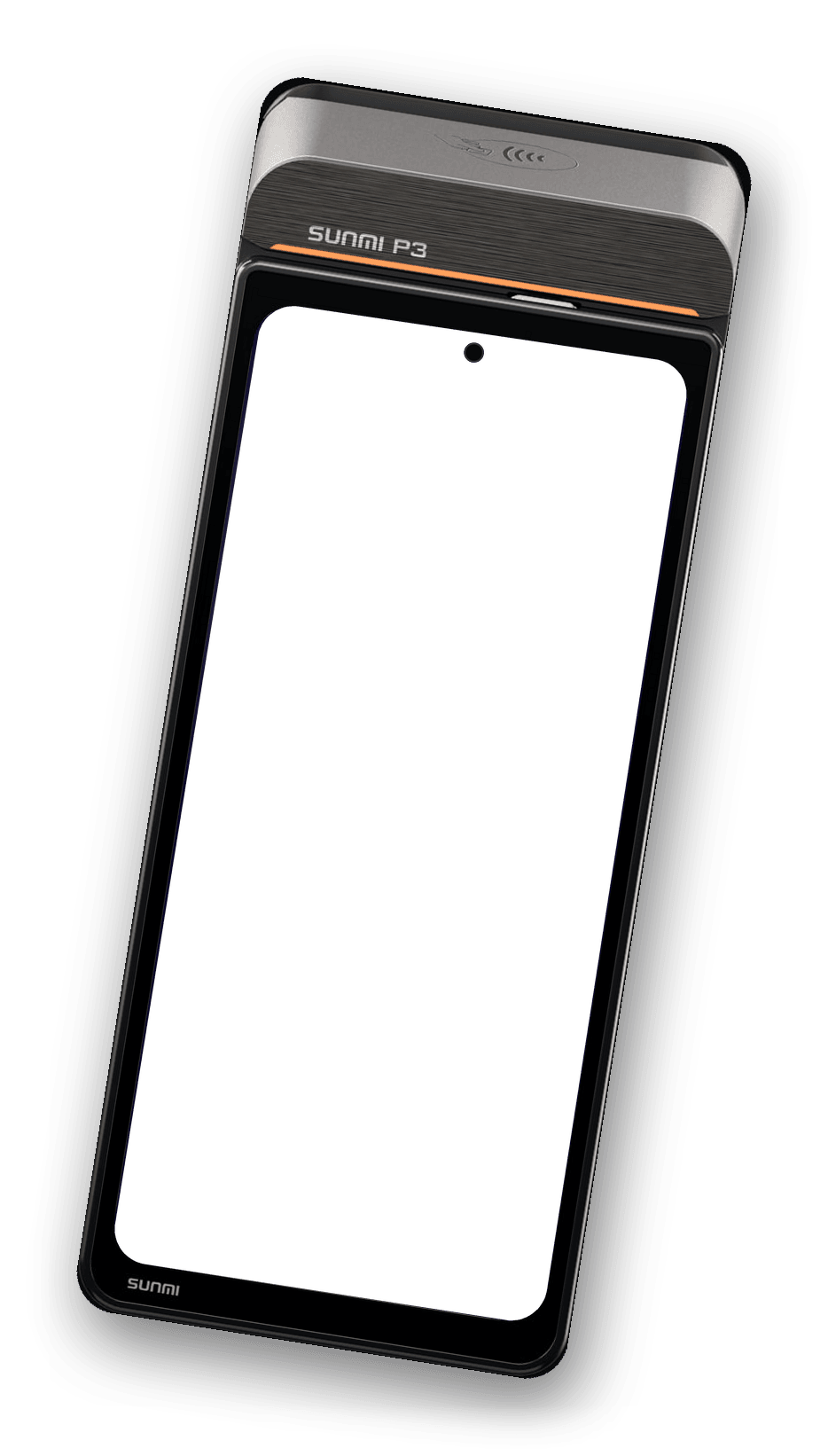
A big keypad for the amount, an optional reference, and a clear approved screen the customer can see. Customers pay by contactless, chip and PIN, Apple Pay or Google Pay.
- Receipts three waysPrint it, email it, or show a QR code the customer scans for a receipt on their phone.
- Every payment on the machineTransactions lists the day's payments, so staff can find one when a customer asks.
Tips
Tips, on screen, before they pay
Turn the tip prompt on and customers choose a suggested percentage, type their own amount, or skip. The tip is added to the payment and shows up in your takings.
See tips in the business portalEnd of day
X and Z reports at the touch of a button
Print an X report for a running total during the day, and a Z report to close it. The card machine shows card taken, transactions and refunds for today, this week or a day you pick.
- Card taken: card payments less refunds, tips included
- Printed on machines with a printer
- The whole store's takings are in the business portal too
Also on the card machine
The details that make a busy day easier
Refunds behind a manager PIN
Find the payment and refund all or part of it. A manager PIN protects every refund on the machine.
Staff PINs
Choose which screens need a PIN: transactions, end of day, analytics and settings.
Your pictures between sales
Show your own offers, pictures or videos on screen while the machine waits for the next customer.
Settings behind a manager PIN
Machine settings ask for a manager PIN, so the card machine stays set up the way you left it.
Payment requests from your till
If your till is linked, the amount arrives on the card machine by itself. Staff just hand it over.
Clear answers at the counter
If a card is declined or a payment doesn't go through, the screen says so in plain words, so nobody has to guess.
Already a customer?
Get the card machine app
Install the PaymentFlow app on your card machine, then pair it from the business portal with the six-digit code it shows.
 Or scan it with your phone
Tell us how you take payments today
Answer a few questions about your business and we'll email you a personal quote. No price list, no obligation.